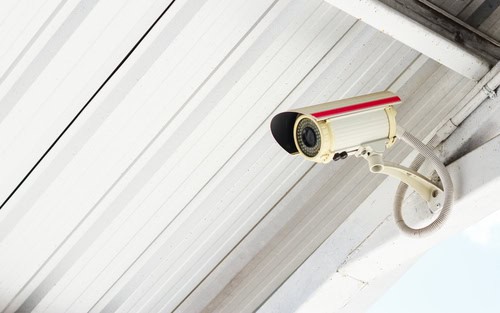
Imagine waking up each day knowing that your home and loved ones are safe. Security cameras offer you this peace of mind, but figuring out the cost of installation can be daunting.
You’re not alone in wondering, “How much will it actually cost me to install security cameras? ” This article will guide you through everything you need to know about pricing. Whether you’re looking to protect your home or business, understanding the costs involved is crucial.
We’ll break down the expenses, help you avoid common pitfalls, and ensure you make a smart investment. Get ready to feel more secure without breaking the bank. Dive in to discover the real costs of keeping your property safe.
Factors Influencing Installation Costs
When considering the installation of security cameras, it’s crucial to understand the various factors influencing the costs involved. It’s not just about buying the cameras; several elements can significantly affect your budget. By knowing what impacts installation costs, you can make informed decisions to secure your property without overspending.
Type Of Cameras
The type of security cameras you choose plays a significant role in determining installation costs. Basic models, like analog cameras, tend to be less expensive but may require additional wiring. On the other hand, advanced options such as IP cameras offer higher resolution and features like remote access, but they come with a heftier price tag and more complex installation requirements.
Think about what features are essential for your security needs. If you’re tech-savvy, you might appreciate the added functionalities of smart cameras. However, if you’re just looking for basic surveillance, a simpler model might suffice, saving you money.
Number Of Cameras
The number of cameras needed will directly impact installation costs. More cameras mean more equipment, more labor, and potentially more complex setups. Assess your property to determine the minimum number of cameras required to cover all vulnerable areas.
Consider the balance between coverage and cost. Installing too few might leave blind spots, while too many could strain your budget. A professional assessment could help you find that sweet spot, ensuring comprehensive security without unnecessary expense.
Installation Location
Where you plan to install the cameras can also affect costs. Outdoor locations may require weatherproof and vandal-resistant models, which are typically more expensive. Indoor installations might be simpler, but factors like ceiling height and wall material can add complexity.
Have you thought about the specific challenges your location presents? For instance, installing cameras on a tall building will likely require specialized equipment and expertise, increasing costs. On the other hand, easy-to-access locations might cut down on both time and expenses.
Understanding these factors will empower you to make smart choices and optimize your security camera installation budget. What are your specific needs and how do they align with these cost factors?
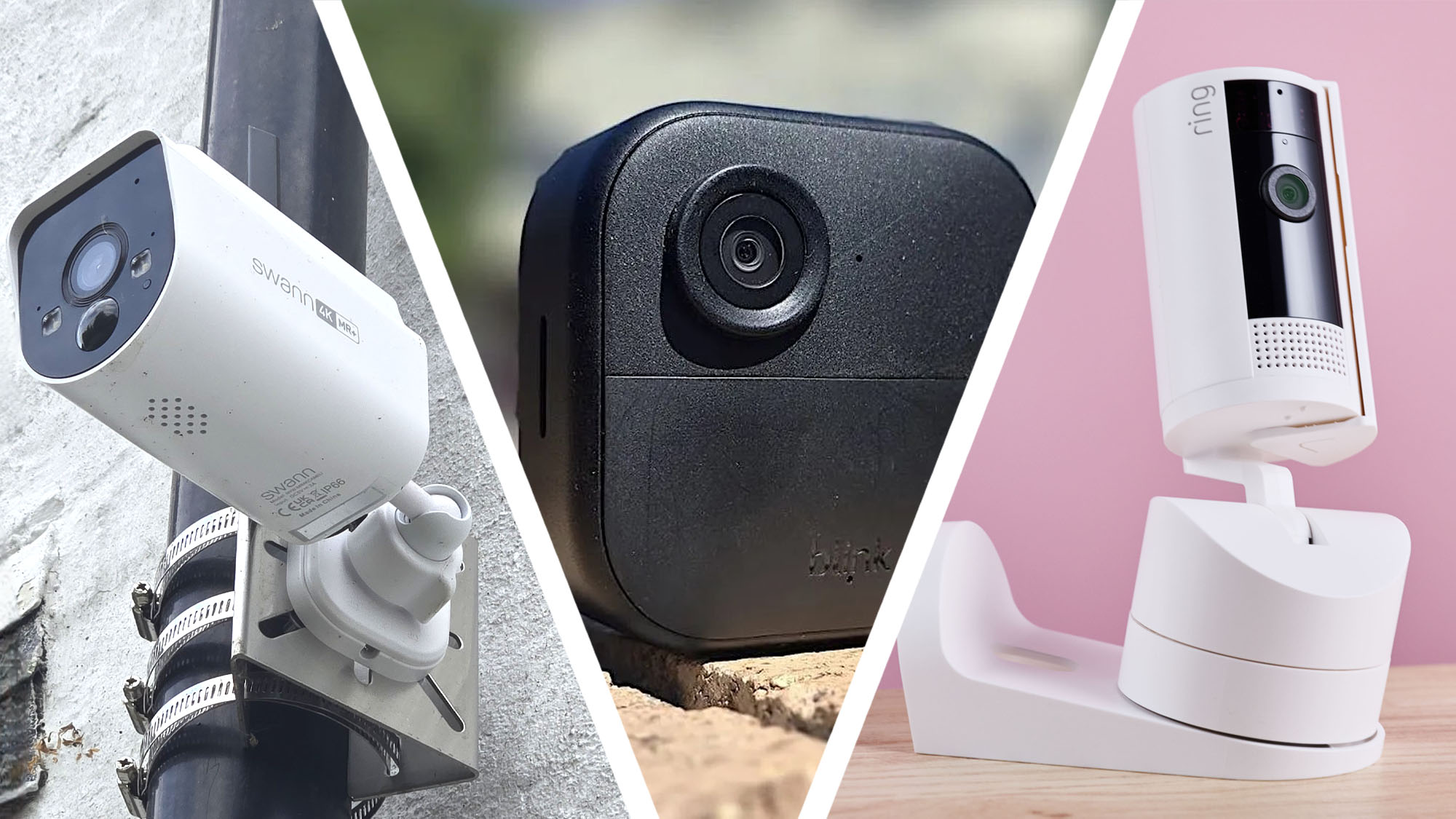
Credit: www.techradar.com
Types Of Security Cameras
Installing security cameras can vary in cost based on types such as dome, bullet, and PTZ cameras. Different features and installation complexities affect prices, making it essential to choose a camera that meets specific needs while staying within budget.
Understanding the different types of security cameras is crucial when deciding how much you should budget for installation. Each type has unique features, benefits, and costs associated with it. Knowing these differences can help you make an informed decision tailored to your specific needs and preferences.
Wired Cameras
Wired cameras are known for their reliability and consistent video quality. They connect directly to a recording device through cables, which can be a bit challenging to install. However, once set up, they offer a stable connection and are less prone to interference.
Wireless Cameras
Wireless cameras provide more flexibility in installation since they connect to your network via Wi-Fi. This means you can place them in areas where running cables would be difficult. On the downside, they may experience signal interference, especially in environments with numerous wireless devices.
Ip Cameras
Internet Protocol (IP) cameras offer high-resolution video and advanced features like remote viewing. They use your network to transmit data, which can mean higher installation costs if you need to upgrade your network. Yet, their ability to integrate with smart home systems can be a huge selling point.
Analog Cameras
Analog cameras are typically more budget-friendly and easy to install. They connect to a DVR (Digital Video Recorder) to store footage. While they may lack some of the advanced features of IP cameras, they still provide adequate security for basic surveillance needs. When choosing the right type of security camera, consider your specific security needs, budget, and the environment where the cameras will be installed. Are you prioritizing ease of installation, video quality, or advanced features? Your answer will guide you to the right choice.
Labor And Professional Fees
Labor and professional fees for installing security cameras vary based on location and complexity. Costs typically range from $100 to $200 per camera, considering the technician’s expertise and project difficulty.
Labor and professional fees play a crucial role in determining the total cost of installing security cameras. Understanding these costs can help you make an informed decision and avoid unexpected expenses. Whether you opt for hiring a professional or taking the DIY route, being aware of the financial implications is key.
Hourly Rates
Professional installers often charge by the hour, and these rates can vary significantly. In urban areas, you might find rates ranging from $50 to $100 per hour. It’s essential to get a quote beforehand to avoid surprises, and don’t hesitate to negotiate if the price seems steep.
Flat Fees
Some companies offer flat fees for installation, which can provide peace of mind. A flat fee might cover everything from setting up the cameras to connecting them to your network. This option can be more predictable than hourly rates, especially if the installation is complex.
Diy Vs Professional Installation
Choosing between DIY and professional installation depends on your comfort level with technology and tools. DIY can save money but requires time and effort. On the other hand, professionals bring expertise and efficiency, which might be worth the cost for peace of mind. Are you confident in your technical skills, or do you prefer leaving it to the experts? Consider the long-term benefits and potential pitfalls of each approach.
Credit: spottersecurity.medium.com
Additional Equipment Costs
When installing security cameras, you must consider additional equipment costs. These costs can vary depending on your setup. Below, we’ll explore some of these costs.
Recording Devices
Recording devices are essential for storing camera footage. Options include DVRs or NVRs. DVRs work with analog cameras, while NVRs suit IP cameras. The cost depends on storage capacity and features. Higher storage means higher costs.
Monitors
Monitors display live camera feeds. Choose one based on your needs. Small setups might need only one monitor. Larger systems could require multiple screens. Monitor size and resolution affect the price. Consider quality for clear images.
Cabling And Connectors
Cabling and connectors link cameras to recording devices. The type of cable needed varies. Common types include coaxial and Ethernet cables. Cable length affects cost. Longer cables cost more. Don’t forget connectors. They ensure secure connections.
Maintenance And Operational Costs
Installing security cameras is a smart investment for safeguarding your property, but it’s essential to consider the ongoing maintenance and operational costs. Neglecting these aspects can lead to ineffective surveillance and unexpected expenses. Let’s dive into the specifics of maintaining your security system efficiently.
Routine Maintenance
Regular maintenance is crucial to ensure your cameras are functioning optimally. Dust and debris can accumulate on lenses, affecting image quality. A quick cleaning routine, perhaps monthly, can keep your footage clear. Moreover, check for loose wires or mounting issues to prevent disruptions.
Software Updates
Keeping your security system’s software up to date is vital for smooth operations. Updated software enhances functionality and security features. Many systems offer automatic updates, but verify this setting to ensure you’re not missing out on crucial improvements.
Energy Consumption
Security cameras can impact your energy bills. Consider energy-efficient models or use timers to minimize consumption. Are your cameras running 24/7 unnecessarily? Adjust the settings to align with your actual surveillance needs to save costs without compromising security.
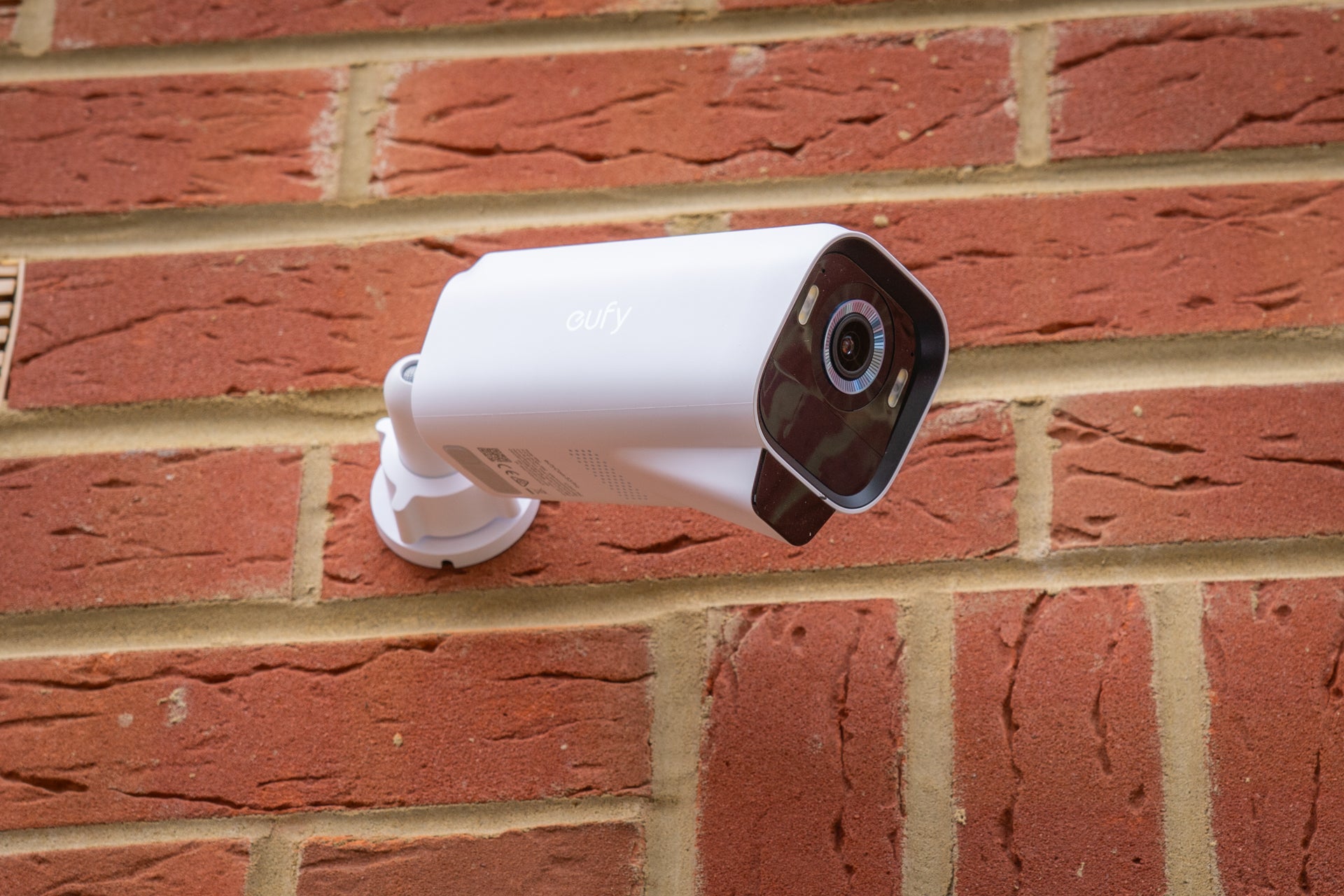
Credit: www.inkl.com
Budgeting For Security Camera Installation
Budgeting for security camera installation might seem daunting at first, but with the right approach, you can ensure your home remains safe without breaking the bank. It’s all about knowing what you need and what you can afford. Whether you’re looking to secure a small apartment or a sprawling estate, understanding the costs involved will help you make informed decisions.
Estimating Total Costs
The cost of installing security cameras can vary widely. Factors include the number of cameras, the complexity of the installation, and the type of system you choose. Basic systems might only set you back a couple of hundred dollars, while more advanced setups can reach several thousand.
Consider not just the upfront costs, but also ongoing expenses like maintenance and software updates. A helpful tip is to create a spreadsheet to track these costs. Doing so can prevent surprises down the line.
Cost-saving Tips
Saving money on security camera installation is possible with a little creativity. One option is to install the cameras yourself if you’re handy. Many systems come with easy-to-follow instructions, making DIY a feasible choice.
- Opt for wireless systems to avoid costly wiring installations.
- Purchase during sales or promotions for potential discounts.
- Consider bundling services with your internet provider for added savings.
By being strategic, you can significantly reduce costs without compromising on quality or effectiveness.
Choosing Affordable Options
Choosing affordable security cameras doesn’t mean sacrificing quality. There are plenty of reliable brands that offer budget-friendly options. Look for cameras with essential features like night vision and motion detection.
Reading reviews and seeking recommendations from friends can guide you to cost-effective yet reliable solutions. Sometimes, lesser-known brands might offer the same functionality as premium ones, but at a fraction of the price.
What features are non-negotiable for you? Answering this can help you prioritize your spending, ensuring you get the best value for your money.
Frequently Asked Questions
What Is The Average Labor Cost To Install Security Cameras?
The average labor cost to install security cameras ranges from $100 to $200 per camera. Prices vary based on complexity and location. Professional installation ensures correct setup and optimal performance.
How Much Does It Cost To Install Security Cameras At Home?
Installing security cameras at home typically costs $150 to $2,000. This range includes equipment, installation, and setup. Costs vary based on camera type, number, and installation complexity. Wireless cameras are cheaper, while wired systems are more expensive. Always compare quotes from different providers to find the best deal.
How Much Does It Cost To Install Security Cameras?
The cost to install security cameras varies based on several factors. Generally, professional installation ranges from $100 to $200 per camera. DIY installations can be cheaper, but may require additional tools. Consider costs for camera types, features, and any subscription services for monitoring.
Is Diy Camera Installation Cheaper Than Professional?
DIY installation can be more affordable than hiring professionals. You save on labor costs, which are typically $100 to $200 per camera. However, you’ll need basic tools and skills. DIY may also lack warranties or guarantees offered by professionals. Research thoroughly before choosing this option.
Conclusion
Choosing the right security cameras is crucial for safety. Costs vary widely. Factors include type, brand, and installation complexity. Wired cameras often cost more due to labor. Wireless options might be cheaper but need strong Wi-Fi. Professional installation ensures reliability, but DIY could save money.
Budgeting for ongoing maintenance is wise. Research thoroughly before deciding. Compare prices and features to find the best fit. Consider your specific security needs. Investing in quality ensures long-term peace of mind. Protect your home or business wisely. Make informed choices for effective surveillance.
Keep your environment secure and feel safe.


